Get the 99xb App on Your Phone
One APK file covers everything: sports betting, live casino, slots, and fishing games. Works on any Android phone running version 8.0 or above. No Play Store needed. Download directly, install in under two minutes, and log in with your existing 99xb account.
App vs Browsing in Chrome
See All GamesBoth options work in Bangladesh. The app gives you a faster, cleaner experience — especially on a slow mobile connection. The web version is handy when you are on a shared device and do not want to install anything.
| Feature | 99xb App | Mobile Browser |
|---|---|---|
| Page load speed | Faster — cached assets, no redirects | Depends on DNS and network |
| Push notifications for match results | Yes — opt in during install | Not available |
| Works on 2G / slow data | Yes — lower data usage per session | Page reloads on every visit |
| bKash / Nagad deposit | One-tap redirect to bKash/Nagad | Works but requires extra taps |
| Fingerprint / Face login | Supported on Android 8.0+ | Not supported |
| Live cricket score widget | Always visible in-app header | No widget |
| Offline bet slip review | View saved slips without data | Requires active connection |
| Auto-update | Manual re-download when new version drops | Always latest version automatically |
| Min deposit | ৳350 on both platforms | |
| Min withdrawal | ৳400 · paid in 25 minutes on both | |
* App version 2.7.9. Browser version updates automatically with no action from you.
What the APK Does (and Does Not) Ask For
The 99xb App only requests the permissions it actually needs. It does not access your contacts, messages, or call log. Here is exactly what each permission covers.
Internet Access
Required to load live odds, stream live casino tables, and process bKash or Nagad deposits. The app will not work without an active data or Wi-Fi connection. No data is transmitted when the app is running in the background — it only connects when you open it.
Biometric (Fingerprint / Face)
Used only for quick login if you enable it in your account settings. Your fingerprint or face data never leaves your device — Android processes it locally. You can skip this and use your password instead. Toggle it off at any time from your 99xb account profile page.
Notifications
Needed for match-start alerts, withdrawal confirmations, and bonus reminders. You will see a permission prompt on first launch. If you tap "Deny", the app still works fully — you just will not receive push alerts. You can re-enable notifications later in your Android Settings at any time.
SSL Encryption & APK Integrity
All traffic between the 99xb App and our servers is encrypted with TLS 1.3. The APK file is signed with a unique certificate — if the file is tampered with after leaving our server, Android will refuse to install it. Always download from 99xb.ws/99xb-app/ to get the official signed build.
Version & System Requirements
Most Android phones sold in Bangladesh since 2018 will run the 99xb App without any issues. The table below lists every technical spec taken directly from the current release.
| App Name | 99xb — Betting & Casino |
| Version | 2.7.9 |
| File Name | 99xb.apk |
| File Size | 36 MB |
| Minimum Android | 8.0 (Oreo) or above |
| Language | English / Bangla |
| Price | Free |
| Last Updated | 3 November 2026 |
| iOS Support | Add to Home Screen via Safari (see below) |
| Download Source | 99xb.ws — direct APK (no Play Store) |
Install on Android: 5 Steps
Android blocks APK files from unknown sources by default — this is a safety setting, not a sign that the file is harmful. Step 2 walks you through turning it on just for this install. Total time: about 90 seconds on a 4G connection.
-
1
Open your mobile browser
Go to 99xb.ws/99xb-app/ using Chrome or any Android browser. Tap the Download APK button on this page. The file
99xb.apk(36 MB) will start downloading to your phone's Downloads folder. Keep the browser open until the progress bar finishes. -
2
Allow installation from unknown sources
When you tap the downloaded file, Android may show a warning: "For your security, your phone is not allowed to install unknown apps." Tap Settings, then enable Allow from this source for your browser. This setting only applies to your browser — other apps remain restricted.
-
3
Tap "Install" on the APK prompt
Android shows a screen listing the permissions the app needs (Internet, Notifications, Biometric). Read them and tap Install. The install takes about 10 seconds. If your phone runs Google Play Protect, it may scan the file briefly — that is normal and will complete automatically.
-
4
Open the app and log in
Tap Open on the success screen, or find the 99xb icon on your home screen. Enter your registered mobile number and password. If you do not have an account yet, tap Register inside the app — it takes about two minutes. First-time deposits start from ৳350 via bKash, Nagad, Rocket, or Upay.
-
5
Enable notifications (recommended)
After login, the app asks to send notifications. Tap Allow to receive match-start alerts, withdrawal confirmations (paid within 25 minutes), and bonus reminders. You can change this at any time in Android Settings › Apps › 99xb › Notifications. The app works fully whether you allow or deny.
iPhone Users: Add to Your Home Screen
Apple does not allow sideloaded APK files. iPhone and iPad users can get a near-app experience by saving the 99xb website as a Progressive Web App (PWA) using Safari.
-
1
Open Safari
Go to 99xb.ws in Safari. Other browsers (Chrome on iOS, Firefox) do not support the Add to Home Screen shortcut properly.
-
2
Tap the Share icon
Find the Share button at the bottom of Safari (the square with an arrow pointing up). Scroll through the share sheet until you see Add to Home Screen.
-
3
Name and confirm
Leave the name as "99xb" and tap Add. The icon appears on your home screen and opens the site full-screen, without the Safari address bar.
-
4
Log in and play
Tap the icon to open 99xb. Log in to your account or register if you are new. All game categories and payment methods work the same as on Android.
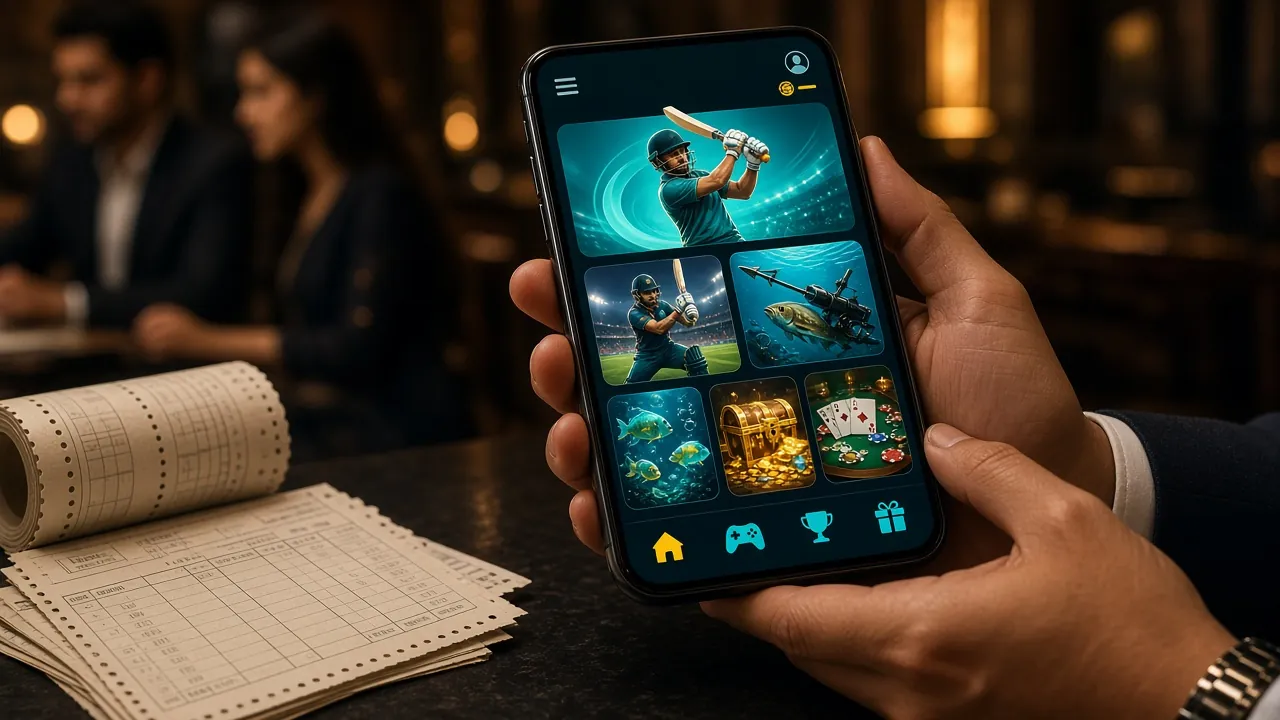
Play Everything from the App
Full Casino LobbyEvery game category available on the 99xb website is also in the app. Six categories are covered below — tap any game card to open it directly in the app after logging in.

Star Fishing & Relax Fishing
Shoot fish for multiplier prizes. Star Fishing (Habanero, RTP 97.6%) and Relax Fishing (CQ9, RTP 97.2%) are the two most-played titles in this category. Bets start at ৳2 per shot, so you can play for hours on a small balance without stress.

Fortune Snake, Plants vs Dino & More
Over 2,700 slots from Pragmatic Play, JDB, Red Tiger, and others. Fortune Snake (JDB, RTP 97.2%) and Plants vs Dino (Pragmatic Play, RTP 97.5%) are top picks. Min bet ৳2. Spin history and autoplay work smoothly on the app even on 3G.
Live Casino
Ezugi and Spribe power the live tables: Double Exposure Blackjack, Teen Patti 20-20, Dragon Tiger, and more. Dealers stream in HD. The app keeps the video sharp even when your connection dips — it adjusts quality automatically to prevent buffering during a live round.
Crash & Aviator-Style Games
Spribe's Aviator and Limbo (Ezugi) are the two fastest-paced games on the platform. Watch the multiplier climb and cash out before the crash. Bets start at ৳1. The app's lower latency gives you a small but real advantage when timing your cash-out click.
Cricket & Sports Betting
Place pre-match and in-play bets on BPL, IPL, T20 World Cup, and ODI series. The app shows live scores in a persistent bar at the top of the betting screen. Cash out early if the match swings. Withdrawals after a winning bet reach your bKash in 25 minutes.
Bonuses & Daily Cashback
Your first deposit earns a 190% welcome bonus up to ৳6,000, subject to 23× wagering in 7 days. Daily cashback of 0.6% runs automatically — no opt-in needed. App users get the same bonus rates as the web version. Check the Bonus & VIP page for reload and referral offers.
When the Install Does Not Go Smoothly
Most errors happen because of one of five predictable causes. Find your problem below and follow the fix — most are sorted in under a minute.
| Problem | Most Likely Cause | What to Do |
|---|---|---|
| "App not installed" | An older version of the 99xb App is already on the phone. Android blocks a downgrade install. | Go to Settings › Apps › 99xb and uninstall the existing version first. Then re-run the new APK. Your account data is stored on the server — nothing is lost when you uninstall. |
| "Parse error" | The APK file did not download completely. This happens on a slow or dropped connection when the file stops mid-transfer. | Delete the incomplete file from your Downloads folder. Connect to Wi-Fi or a stable 4G signal and download again from 99xb.ws/99xb-app/. File size should be exactly 36 MB. |
| Install blocked — no "Allow from this source" option | Some older Android skins (MIUI, One UI before version 3) show the unknown source toggle in a different location. | Go to Settings › Security & Privacy › Install unknown apps (path varies by brand). Enable the toggle for your browser app (e.g. Chrome). Try the install again. |
| App crashes immediately on open | Device runs Android 7.1 or lower, which is below the minimum requirement of Android 8.0. | Check your Android version at Settings › About Phone. If it is below 8.0, use the mobile web version at 99xb.ws in Chrome — all features work the same in the browser. |
| Login fails after install | Wrong mobile number format, or the account has not been verified yet. | Use your full number including country code if prompted. If you just registered, check for a verification SMS. If the issue continues, contact 99xb 24/7 Live Chat from inside the app or email [email protected]. |
Ready to Download the 99xb App?
Free APK · 36 MB · Android 8.0+ · Withdrawal in 25 minutes via bKash or Nagad
Questions About the 99xb App
Is the 99xb APK file safe to install?
Does the app cost anything to download or use?
How do I update the app when a new version comes out?
The APK did not download —what should I do?
Can I deposit via bKash or Nagad inside the app?
Do I get the welcome bonus if I register through the app?
Does the 99xb App work on Android tablets?
Download the 99xb App Now
Install in 90 Seconds
Download directly from 99xb.ws. No Play Store needed. Works on any Android phone running version 8.0 or above. Your account, bonuses, and bet history sync automatically across all devices.
- Free to download and use
- 36 MB · Updated 3 Nov 2026
- Fingerprint / Face login
- Push notifications for match alerts
- All 2,700+ games in one app
Next Steps After You Install
Create Your Account
Registration takes about two minutes. You need a valid mobile number and a password. Once your account is active, your first deposit of ৳350 or more triggers the welcome bonus automatically.
Register Now →Log In to Your Account
Already registered? Open the app and enter your mobile number and password. Enable fingerprint login from your profile settings for faster access next time. Forgot your password? Use the reset link on the login screen.
Log In →Browse the Casino Lobby
Over 2,700 games from Pragmatic Play, JDB, Ezugi, CQ9, Red Tiger, Spribe, and Habanero. Filter by category — slots, fishing, live casino, crash — or search by game name. All titles run directly in the app without a separate download.
See All Games →